Learn how to choose the right location for Motionblinds smart blinds, install them step by step, and connect them to a remote control, app and smart home system.
You've thought it through and know what kind of smart window blinds you want. Ordering is easy. But then ... your package arrives and now you need to install your window blinds. Naturally, you want to do the best possible job. That's why we're happy to help with useful information and inspiration. Read on to find out how to install Motionblinds smart window blinds so that everything works exactly as it should.
Would you like to know how to make the most of Motionblinds smart window blinds in your interior, or do you have another question? Our experts are always available to help. Feel free to get in touch with us.
It all starts with your interior layout
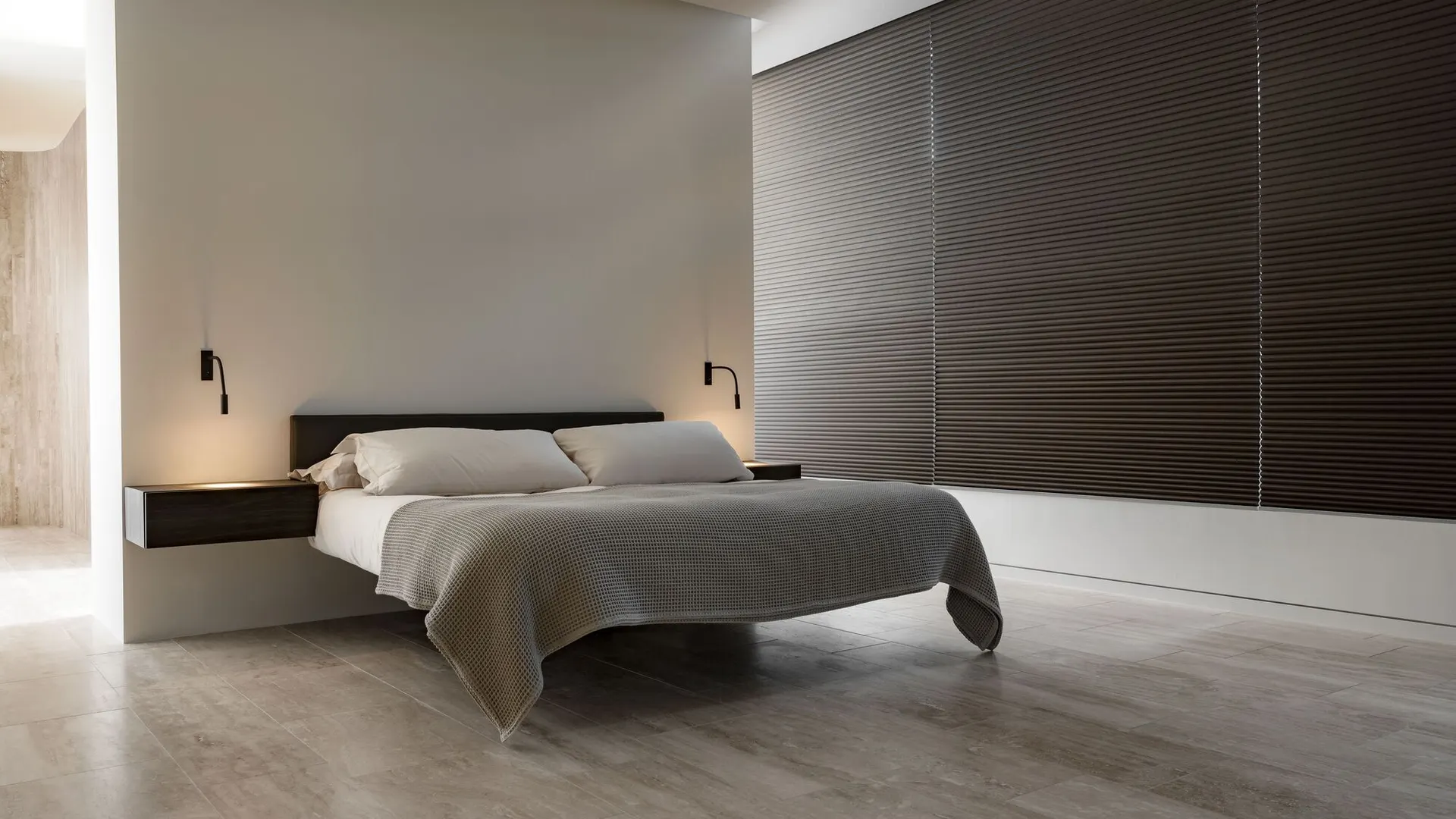
Aside from their smart features, the two main benefits of our smart window blinds are, of course, that they allow you to control incoming light and keep your rooms cool. This is ideal when the sun is shining, but roller blinds and Venetian blinds can be useful all year round. You just need to think carefully about where to hang them.
The easiest option is simply to buy Motionblinds for every window in your home. Of course, there may be quite a few, and some blinds might not be essential. So let your interior design and room layout guide you. Smart window blinds are a good solution in areas where plenty of sunlight comes through the windows. Consider how the sun moves around your home and where you like to sit, so you can focus on those spots.
Convenient: Motionblinds can be installed on any window
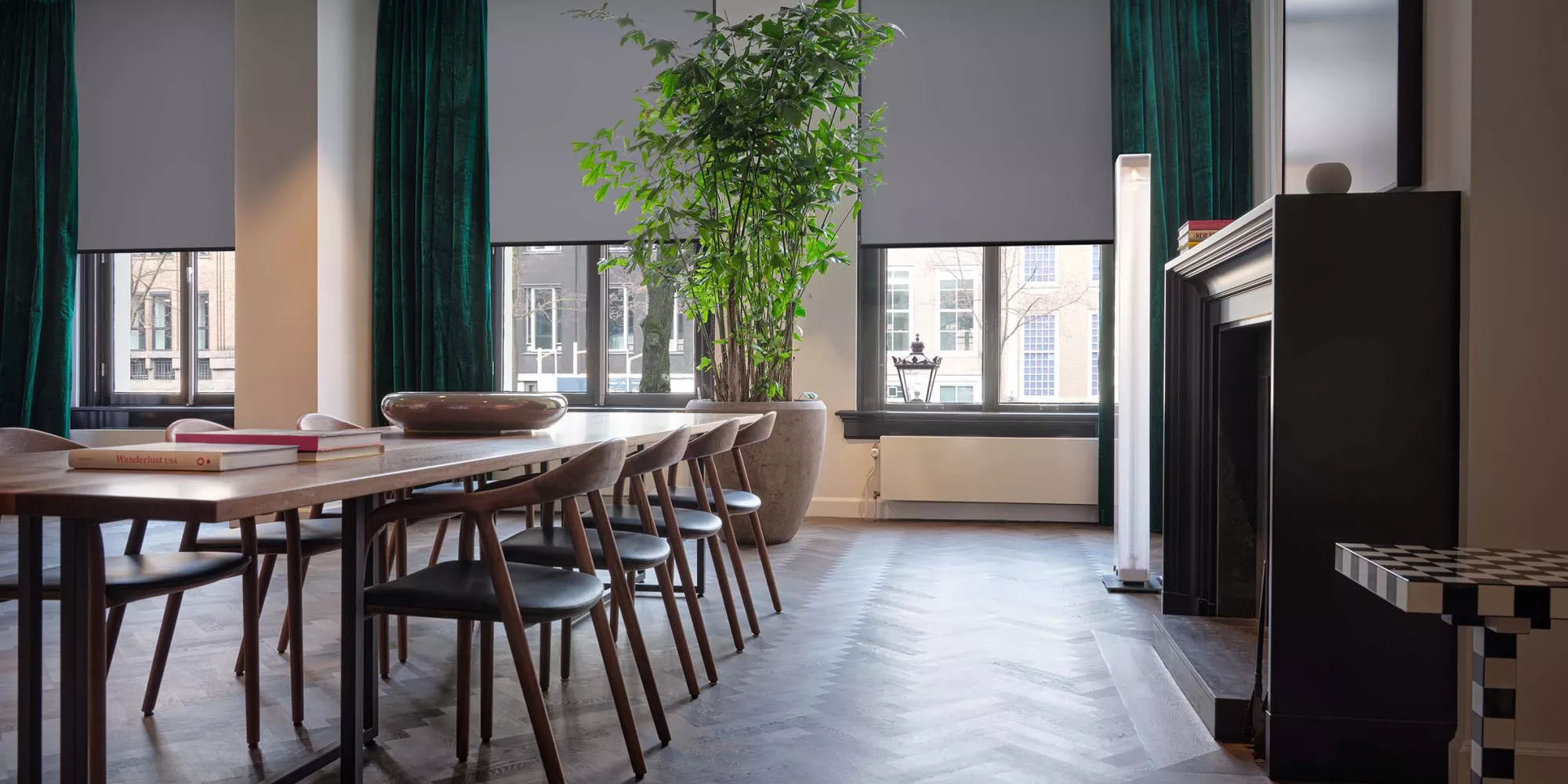
Whatever the type or size of your window, our smart window blinds are easy to install anywhere. Motionblinds are available in many different sizes, so you can always find a made-to-measure electric window blind to suit your needs.
Of course, achieving the ideal installation sometimes takes a little extra thought. For example, you can mount a roller blind above the window or on the top of the window frame. This flexibility is one of the system's great advantages, as it allows you to use it on any window.
Step-by-step instructions for installing smart blinds
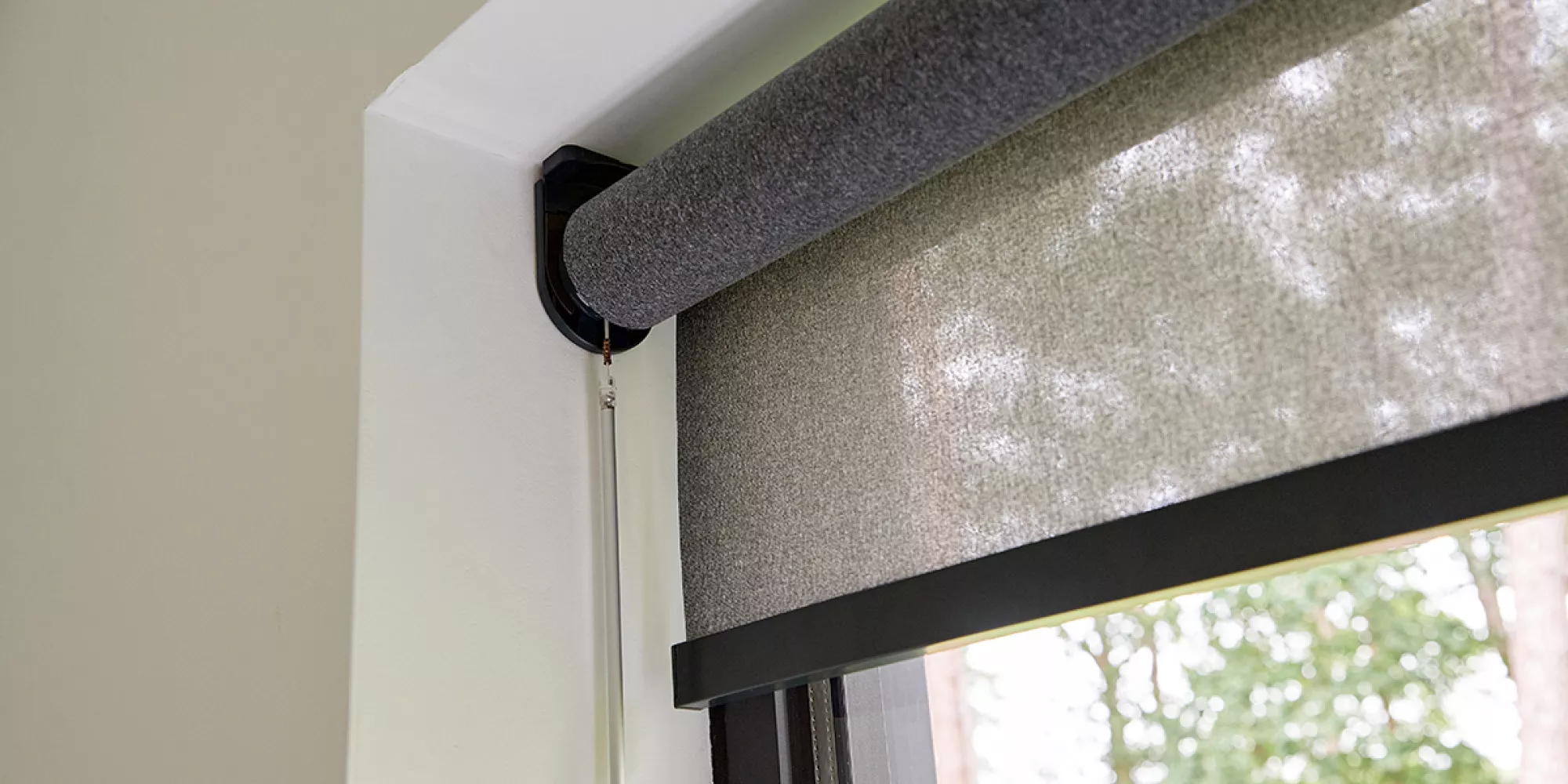
You'll be pleased to hear that installing Motionblinds is straightforward. For example, you don't need to connect any power cables. The built-in battery charges via a USB port. Our easy-to-follow instructions will show you exactly how to install your window blinds. Simply follow the steps below:
- Activate the motor by setting the switch to 1
- Install the window blind using the mounting screws, following the instructions in the manual
- Assemble everything so that it works correctly
- Pair the automatic roller blinds with the appropriate remote control
- Check that the blind rotates in the correct direction
- Set the upper and lower positions
- If you wish, set your favourite position as the default position
Roller blinds offer countless control options. For example, you can also fit a pull-control wand. This lets you operate the window blind manually if you prefer.
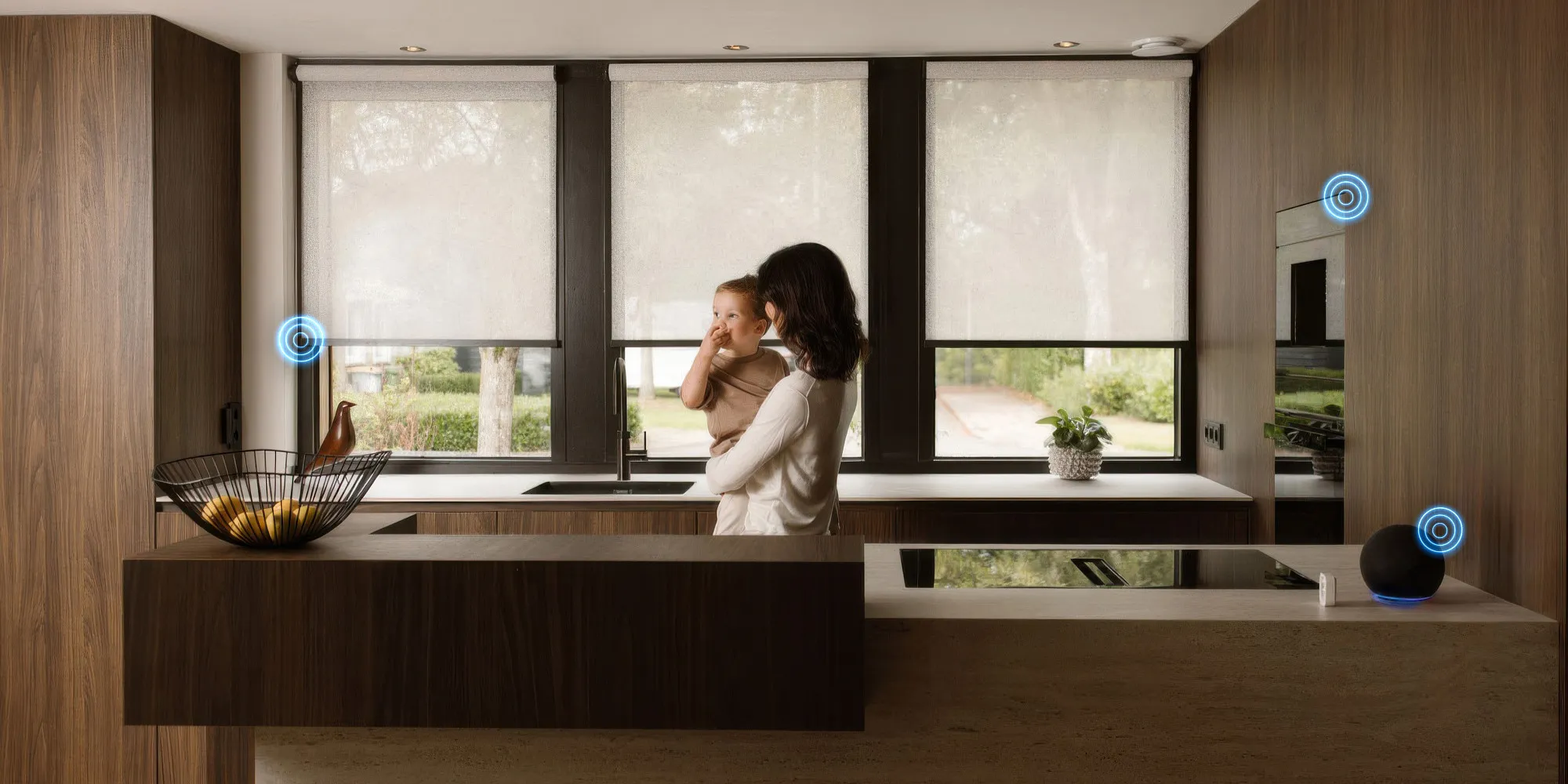
Of course, Motionblinds are perfect for integration into your smart home system. For many people, this is the best way to connect their devices, as it allows them to control many different things in their home from one central system. This might include lighting and the thermostat, for example, and now you can add your roller blinds too. We have an app for controlling your window blind, but you can also use voice commands.
How do I install the app?
Whether you have Apple HomeKit, Google Home or Amazon Alexa, you can connect Motionblinds to any smart home system. Connecting to your system is very simple, and you can then conveniently control your roller blinds through the Motionblinds app.
The Motionblinds app takes control of your window blinds to the next level! Combined with a Wi-Fi bridge, the mobile app offers endless possibilities for controlling your smart window blind with your smartphone. Use the Motion app to program and automate your window blinds. This allows your window blind to adapt perfectly to your daily routine.
- Swipe to control multiple window blinds at once
- Automate your home with preset scenes, positions and timers
- Control your indoor climate to help save energy
- Find the right balance between daylight, protection and privacy
- Check the exact position and battery status of your window blind in the app
The Motionblinds app is compatible with all Motionblinds motors with remote control capabilities.
Learn more about smart blinds
Our automatic roller blinds are extremely easy to install in your home. However, you may not have found the answer to your question yet. Our experts are always ready to help. Feel free to get in touch with us.
Source: Motionblinds