Answers to frequently asked questions about how smart blinds work, their power supply, installation and control, and how they integrate with smart home systems.
Read in less than a minute
What's new?
- This article answers frequently asked questions about smart blinds. It explains how smart blinds work, how they are powered and how they integrate into smart home environments.
What you need to know
- How smart blinds work: Motorised window blinds can be controlled via an app, remote control, voice assistant or automation, depending on the system you choose.
- Power options: Available with rechargeable battery-powered motors or wired solutions connected to the mains. Charging or wiring requirements vary.
- Smart home integration: With compatible bridges or motors, they can connect to platforms such as Apple Home, Google Home or Amazon Alexa.
- Installation: Suitable for new builds and retrofit projects. Installation complexity depends on the motor type and the connectivity option chosen.
- Automation features: When connected to a smart system, blinds can operate based on timers, scenes or environmental triggers.
Key takeaways
- Smart blinds combine motorisation with app and voice control, offering flexible control options. Power supply and connectivity determine installation and integration options.
- This overview is relevant to homeowners, installers and property developers assessing smart shading solutions and compatibility with existing smart home systems.
Are you already inspired by our guide to automatic roller blinds, or do you still have lots of questions about smart blinds? If so, you've come to the right place, as this article provides answers to frequently asked questions about smart blinds. You're not the only one looking for this information; plenty of other people have questions too. Motionblinds is happy to answer them.
If you have a specific question about Motionblind smart blinds, our experts will be happy to help. Get in touch with us to find out more!
What are smart blinds?
Some people may find the idea of smart blinds a little daunting. As if your roller blinds had a brain of their own and could think for themselves. But don't worry, we're still a long way from that. Smart blinds mean you can control your roller blinds or other window coverings automatically. You no longer need to get up to pull a cord; you can control the motor remotely and raise or lower your window blinds exactly as you wish.
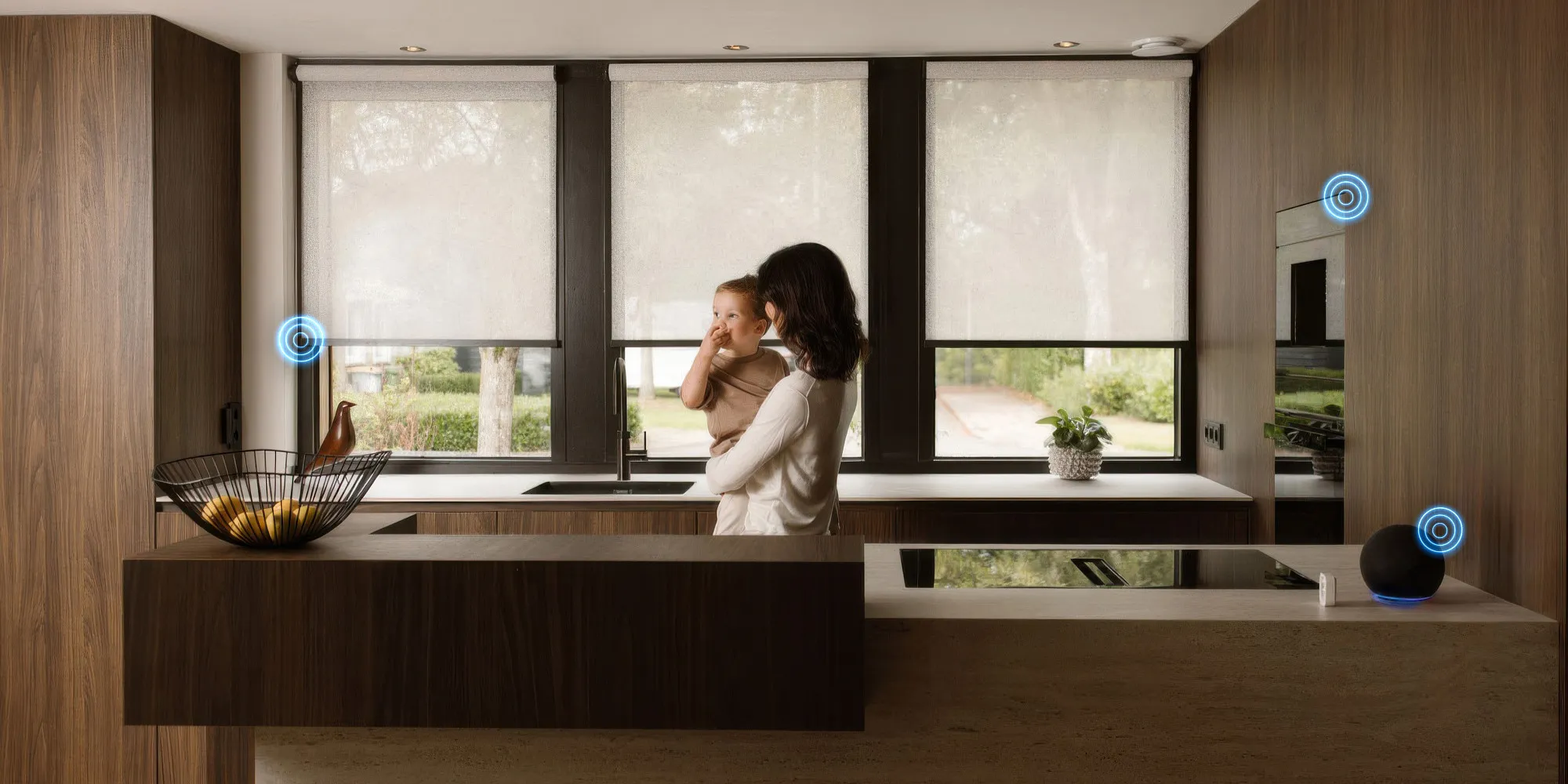
You're probably familiar with the term 'smart home'. A smart home means that many devices in your home are connected to each other through a network. For example, you can use Google, Apple or Amazon systems to control these devices centrally. Or even set up specific routines in advance, such as raising and lowering your window blinds at the same time every day. Smart window blinds can be controlled via a voice assistant or an app.
You can set up smart window blinds to work seamlessly and securely with other smart devices in your smart home. After all, they are all connected. If there's plenty of sunlight and you programme your smart home to close the blinds at the right time, your air conditioner doesn't have to work as hard. This way, you can coordinate the operation of all kinds of devices, such as lights, thermostats, motion detectors and more. How much comfort would you like in your smart interior?
What are the benefits of smart blinds?
- Safety and security
Your home's security is improved. Automated blinds ensure that your home always looks occupied, deterring potential burglars. Smart blinds also have no chain, making them safe for children. - Energy savings
Automation saves a lot of energy in your smart interior, as the blinds are only used when needed. - Comfort
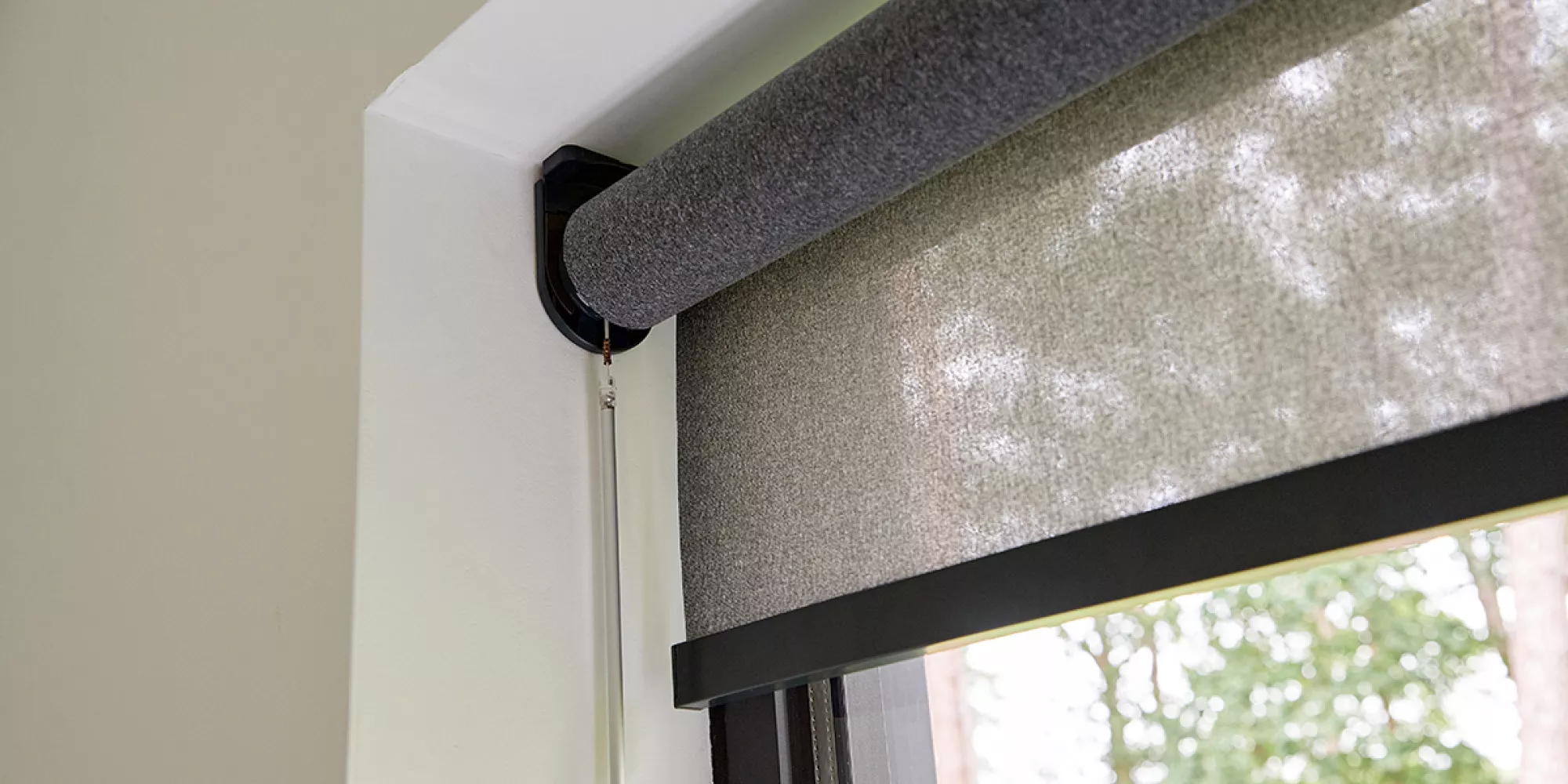
Automation eliminates the need for manual control, although manual operation is still possible with the pull function. An app or remote control means you no longer have to get up to close the blinds.
Can you also control smart blinds with an app?
We've actually already answered this question: yes, you can! Use the Motionblinds app and you'll immediately see that it's what you've always wanted for controlling your roller blinds or other window coverings. Together, the Wi-Fi bridge and app offer endless possibilities for controlling everything quickly and easily from your smartphone. Programming and automating them is easy too, so the position of your blinds is perfectly in tune with your biorhythm.
Did you know that you can control smart window blinds on several windows at once with a simple swipe on the screen? Your pre-programmed scenes, settings and timers show you how it works. Daylight, protection, privacy: whatever you want, you can do it all with the Motionblinds app.
How do you install smart blinds?
It's actually very user-friendly! The roller blinds connect automatically via Bluetooth, so you don't need a gateway or bridge to set them up with an Apple system. With other providers, a few more steps are needed.
To install smart blinds, simply scan the QR code and the roller blinds are configured automatically and securely. You can then control them via the app or with voice commands. Everything is set up in seconds and ready to go. The app also shows you software updates that enable the latest features and user experience as they become available. No additional services or support are needed.
Choose Motionblinds and enjoy these benefits:
- Our smart blinds are easy to install, even if you have no technical experience
- We offer wireless installation, so you don't need any electrical cables – simply hang them up and you're ready to go.
- With our smart electric roller blinds, you can choose from several types of control: an app, pull control or an optional remote control.
- Pairing devices is easy, regardless of the smart home system you use (Apple HomeKit, Google Home or Amazon Alexa). It's simple, even if you're not tech-savvy. Apple users don't need a hub.
Want to learn more about smart blinds?
As you've seen here, there are plenty of questions about smart window blinds. If you have any questions about our smart blinds, our experts will be happy to help. Get in touch with us to find out more!
Source: Motionblinds