Electric blinds are controlled using a switch, remote control or app, while automatic blinds operate according to schedules, sensors or smart home triggers. Automation requires additional setup in a compatible smart system.
Read in one minute
What's new?
- This article explains the difference between electric and automatic blinds. It explains how both systems work and how automation adds functionality beyond basic motorisation.
What you need to know
- Electric blinds: Motorised window blinds controlled using a switch, remote control or app. Movement is initiated by the user.
- Automatic blinds: Blinds that operate according to schedules, sensors or smart home triggers without manual intervention.
- Control options: Electric blinds can become automatic when connected to smart systems that support timers or triggers based on environmental conditions.
- Smart integration: Automation depends on compatible bridges, apps or smart home platforms. Not all electric blinds are automatic by default.
- Differences in use: Electric control increases convenience, while automation improves energy efficiency and indoor comfort.
Key takeaways
- Electric blinds offer motorised operation, while automatic blinds incorporate programmed or sensor-based control. Automation requires additional setup in a smart system.
- This distinction matters to homeowners, installers and property developers assessing the level of control and automation needed in a smart shading solution.
This question would also fit well in our article on frequently asked questions about smart blinds. In practice, we often notice that people use the terms 'electric' and 'automatic' interchangeably when referring to blinds. However, they do not mean quite the same thing. We understand very well where the misunderstanding comes from. That is why, in this article, we set out the differences once and for all, making it clear how electric and automatic blinds differ.
If you have a specific question about Motionblinds smart window blinds, our experts will be happy to help. Contact us for more information!
All automatic blinds are electric…
The term 'electric blinds' itself tells you what to expect. These blinds have an electric motor to open or close them. The great advantage, of course, is that you no longer need to use muscle power. However, the fact that a blind is electric does not mean that everything is automatic.
For example, there are electric window blinds that you can operate with a rotary knob or a button. This means you first have to get up to operate them. They may be electric, but not everything is automatic. That is a big step further.
But not all electric blinds are automatic
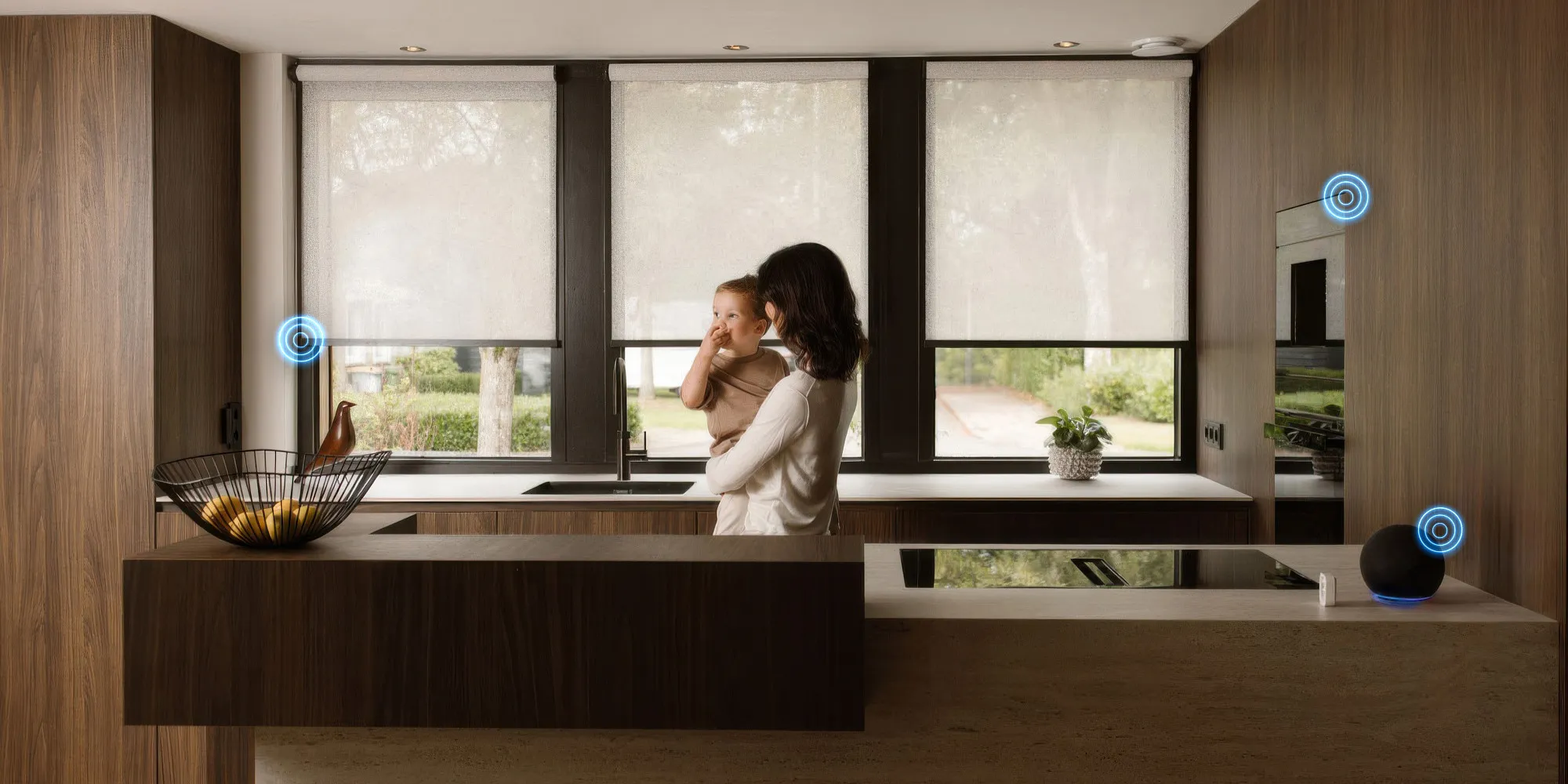
Automatic window blinds are also powered by electric motors, but they are programmed to operate automatically. You can set up commands for this using a smart hub connected to your smart blinds. The hub connects to your Wi-Fi network, allowing you to control automatic blinds through an app on your smartphone or tablet, or even with a voice assistant such as Alexa or Google Home. Imagine being able to close your roller blinds with a simple voice command.
You can do this with automated solutions for your smart home. These solutions can be programmed to open and close blinds at specific times, allowing you to automatically adjust your window blinds to meet your needs for light and temperature control, security and privacy.
How does the electric motor in blinds work?
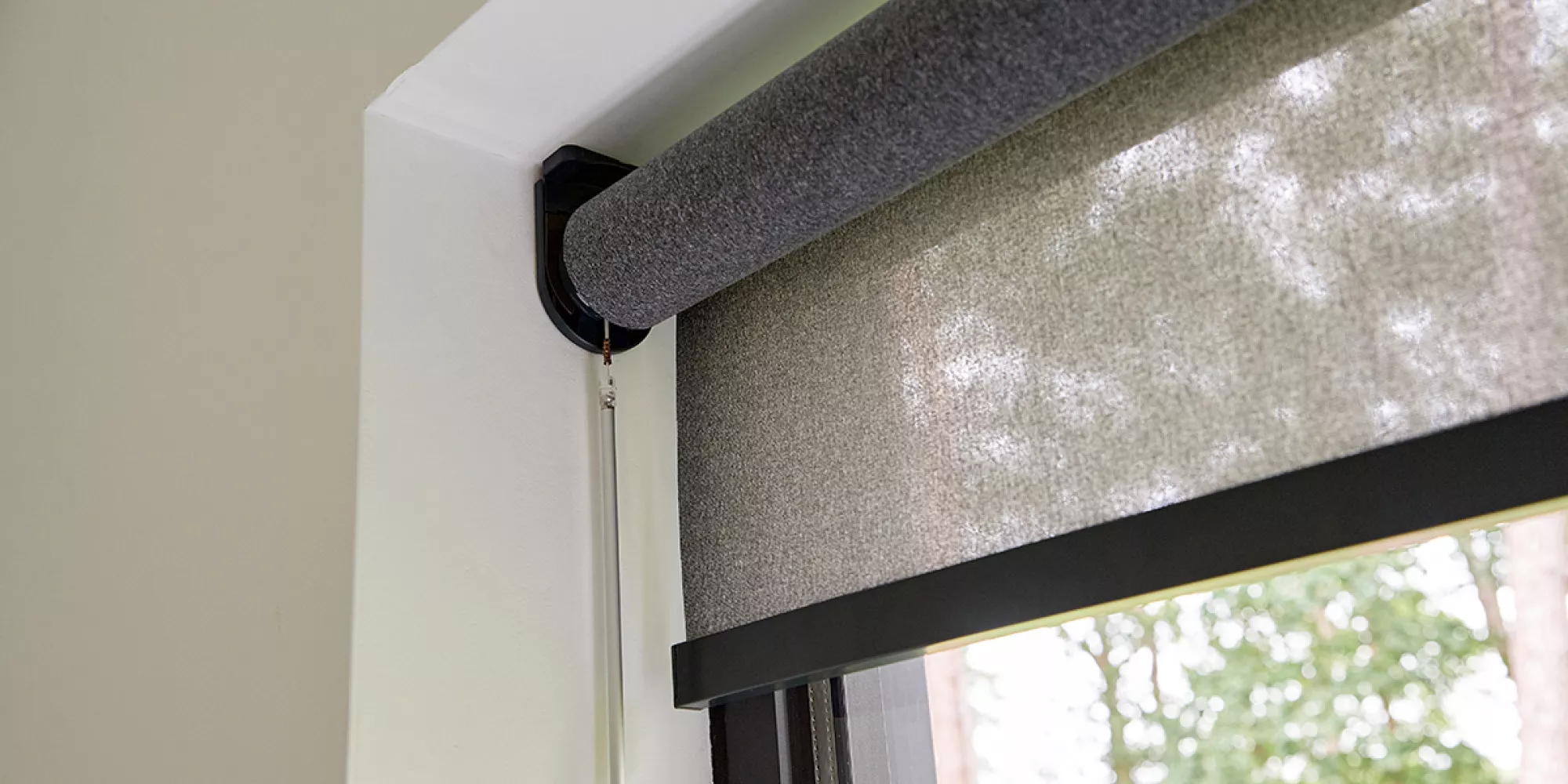
Electric or motorised simply means that the blinds are powered by an electric motor. This can be done in various ways: the motor can be powered by disposable or rechargeable batteries, or it can be permanently connected to the mains electricity supply. You can operate the window blinds with a remote control, wall switch or button.
How do smart blinds work?
Use the Motionblinds app and you will immediately appreciate the convenience of automated control of your roller blinds or other blinds. Together, the Wi-Fi bridge and app offer endless possibilities for controlling everything quickly and easily through your smartphone, tablet or voice assistant. Even programming and automation are simple, so the position of your window blinds is perfectly aligned with your body's natural rhythm.
With pre-programmed scenarios, modes and timers, you can easily decide how everything works together. Daylight, protection, privacy: you can arrange everything just the way you want, because anything is possible with the Motionblinds app!
Which option should you choose, and when?
That is up to you. If you simply want to control large blinds behind the sofa or on a very high, hard-to-reach window at the touch of a button, you can choose electric window blinds and use a remote control or wall switch.
If you are a technology enthusiast and already have other smart home features in your home, automatic window blinds are definitely for you. They give you the best possible control over your blinds with minimal effort. Otherwise, simply start with one Motionblinds product, as you can always add more to the hub. Once you have programmed a few modes and times through the app, you will never want to go back to your previous controls. However, remember that you need a strong Wi-Fi connection for everything to work properly. As usual, it all depends on the weakest link in the chain.
Benefits of Motionblinds automatic window coverings
- The system is easy to install, even if you have no technical experience.
- Wireless installation is an advantage; no electrical cables are needed. Simply hang your window blinds and you are ready to go.
- Smart electric roller blinds let you choose between different control methods: via the app, with a pull or, if you prefer, with a remote control.
- Pairing devices is easy, regardless of the smart home system you use (Apple HomeKit, Google Home or Amazon Alexa) – even if you are not tech-savvy. Apple users do not need a hub.
Would you like to learn more about our electric and automatic blinds?
There are many options, so we understand if you have questions. Our experts will be happy to help. Contact us for more information!
Source: Motionblinds